A screen name is only one layer
An unfamiliar screen name can separate a conversation from your usual public profile. It does not make the connection untraceable or establish how the service processes technical data. Avoid treating “anonymous” as a promise about every part of an interaction.
Flingster’s privacy policy describes several categories of information, including device and connection data and information users provide. It also describes limited screenshots or short video samples for moderation and system improvement. Read the current policy rather than assuming that a live conversation leaves no service-side record.
Audit the frame, then listen to the room
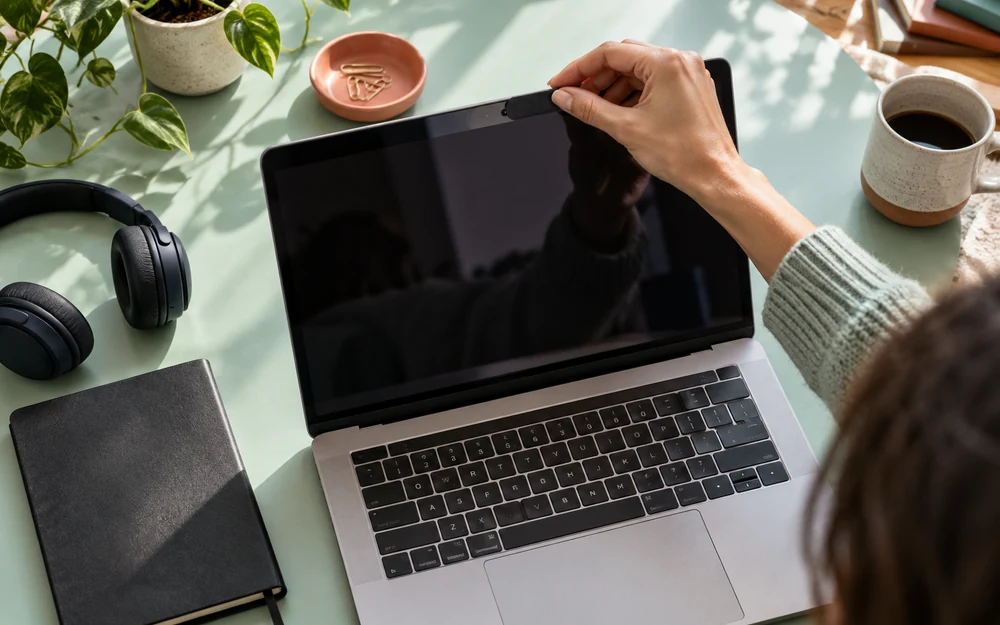
Think of the camera frame as a small public window. Remove readable labels, calendars, workplace branding and documents you would not choose to share. Look for reflective surfaces and a second screen that might display messages. A neat room can still reveal identifying details.
The microphone has a wider field than the picture. A conversation in the next room, a delivery announcement or a name spoken nearby may be audible. Tell other people in your space before including them, and avoid capturing anyone who has not agreed.
| Layer | What to ask | Practical action |
|---|---|---|
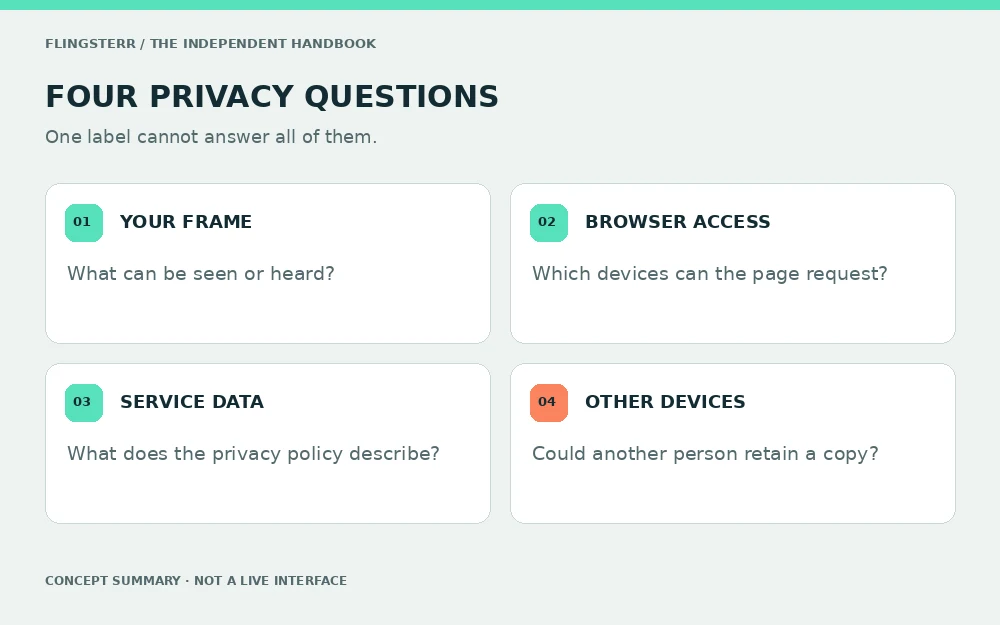
| Your environment | What can be seen or heard? | Remove identifying details and include nobody without consent. |
| Browser access | Which devices can this site request? | Review camera and microphone permissions. |
| Service processing | What does the operator say it receives? | Read the current official privacy policy. |
| Another person’s device | Could a copy be retained? | Choose exposure with that possibility in mind. |
Allow for the possibility of a copy
If another device can display a picture or play audio, you cannot assume that its owner is unable to retain a copy. An assurance from a stranger is not a technical control. An absent notification is not evidence that nothing was captured.
This is a reason to choose your exposure carefully, not a reason to record other people. Do not capture or redistribute a person’s private material without permission. Leaving out sensitive details is more dependable than negotiating for deletion after you have shared them.
Read the policy for the question you actually have
Separate three questions when reading a privacy notice: what the service receives, why it processes that information and what options or rights it describes. Technical data and chat content do not necessarily follow the same rules.
Our source link points to Flingster’s own privacy policy; this independent site cannot verify its internal systems or promise a deletion result. Avoid importing claims from reviews, mirrors or a different domain with a similar name. Check the address and the policy date on the source itself.
A permission is narrower than trust
Browser permission controls whether a page may request a device under the browser’s rules. It does not prevent another participant from behaving badly, remove background details or replace a privacy policy. Treat the prompt as one decision in a larger review.
When finished, close the conversation and review camera and microphone permissions if you do not want them retained. Our camera guide explains where Chrome and Firefox document these controls. Covering a lens and revoking access solve different parts of the problem.
Build a routine you can actually repeat
A short routine is easier to remember: clear the frame, quiet notifications, check who else is nearby and decide what information is off limits. Then choose whether you want the conversation at all. A checklist is useful only if declining remains an option.
Afterwards, review anything you shared deliberately rather than replaying every sentence. If you notice an exposed account credential, deal with that specific account through its official settings. If someone applies pressure, use the safety guide for the next steps.
Privacy is a set of choices across your room, your browser, the service and another person’s device.
Questions & answers
Does anonymous video chat mean untraceable?
No. A screen name does not establish what technical data a service processes or what another person can learn.
Can another participant keep a copy?
Do not assume a visible or audible exchange cannot be captured. This guide cannot verify the behaviour of another device.
Does Flingster say it processes moderation samples?
Its linked privacy policy describes limited screenshots or short video samples for moderation and system improvement. Consult the current policy for details.
Does a camera permission protect my background?
No. Permission controls device access. It does not remove details that appear in the camera’s view.
Can a lens cover protect my microphone?
No. Microphone access and mute controls must be considered separately.
Does this guide collect chat recordings?
No. This publication does not run chat sessions, request media access or accept recordings.
Primary sources
- Flingster — Privacy Policy
- Google Chrome Help — Use your camera and microphone
- Mozilla Support — Manage camera and microphone permissions
Official pages reviewed 20 October 2026. Browser labels, service features and policies may change. Read the current source for details. This independent educational guide cannot verify another service’s internal systems or an individual user’s behaviour.